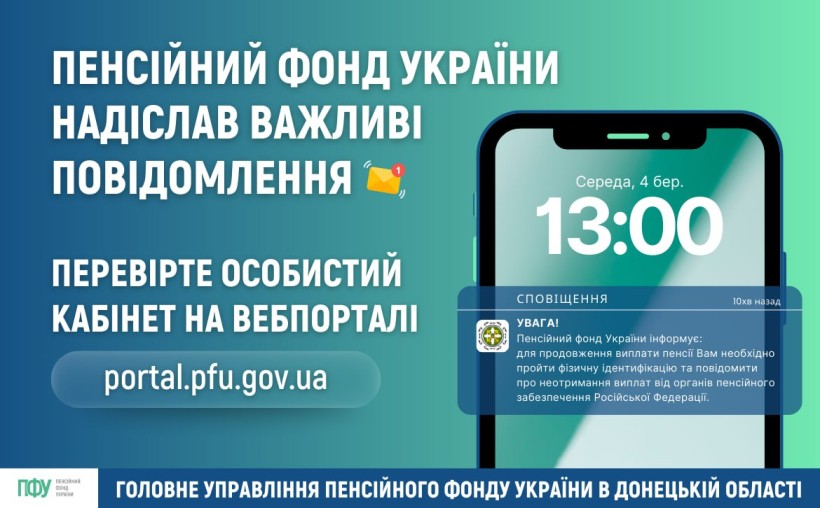
The Pension Fund of Ukraine has rechecked the data for January and sent individual reminders to pensioners and recipients of insurance payments who need to undergo physical identification or submit a notification of non-receipt of payments from the Russian Federation.
How to read the notification?
➡️ Through the e-services web portal:
🔸 go to the website portal.pfu.gov.ua;
🔸 log in to your personal account using your electronic signature, Dія.Підпису, or ID.GOV.UA (instructions here — https://t1p.de/n7q8r);
🔸 Find the "My Messages" section in the menu on the left.
🔸 Open the "Individual Messages" tab and read the information.
➡️ Via the Pension Fund mobile app:
🔹 Log in to the app (use KEP, Diya.Signature, or ID.GOV.UA).
🔹 Tap the "Messages" tab at the bottom of the screen.
🔹 Read the latest letter sent by the Fund.
🔗 In the text of the message, you will find active links with step-by-step instructions on how to identify yourself or report non-receipt of payments from the Russian Federation online.
✅ Don't forget to check your notifications to stay up to date with all the important information about your pension.