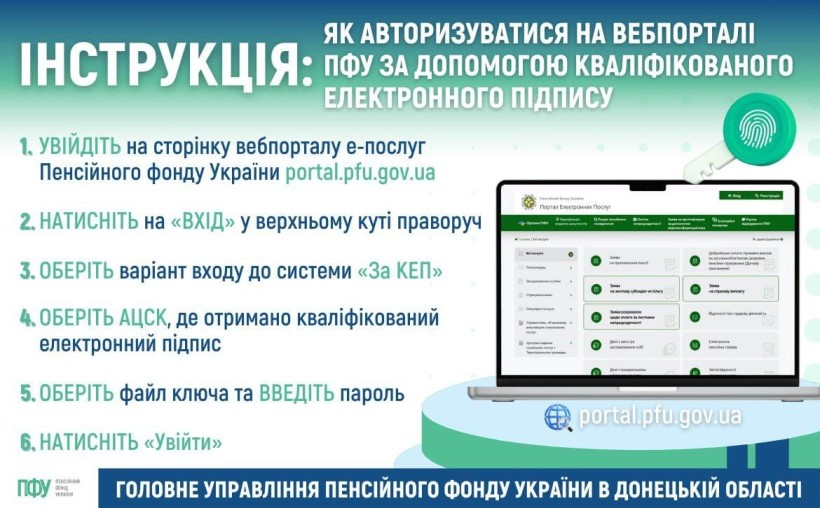
🟢 To log in to the electronic services web portal of the Pension Fund of Ukraine using a qualified electronic signature (QES), you need to:
✅ go to the PFU e-services web portal page: https://portal.pfu.gov.ua/;
✅ choose the login option “Using QES”;
✅ select the Accredited Key Certification Center (ACCC) where your qualified electronic signature was issued;
✅ select the key file and enter your password;
✅ click “Log In.”
ℹ️ Authorization in your personal account using a QES allows you to:
🔸 view information about your salary and insurance record;
🔹 obtain electronic certificates regarding your insurance record, salary (forms OK-5 and OK-7), pension amount, etc.;
🔸 review details of your electronic pension file;
🔹 submit a request for the preparation of paper documents;
🔸 check information in your electronic employment record book;
🔹 view the history of your обращения to the Pension Fund, and more.
📌 Learn what a QES is and where to obtain one via the link ➡️ https://t1p.de/lm9x4
📍 Watch the video guide on how to log in to the web portal using a QES here — https://t1p.de/evhca