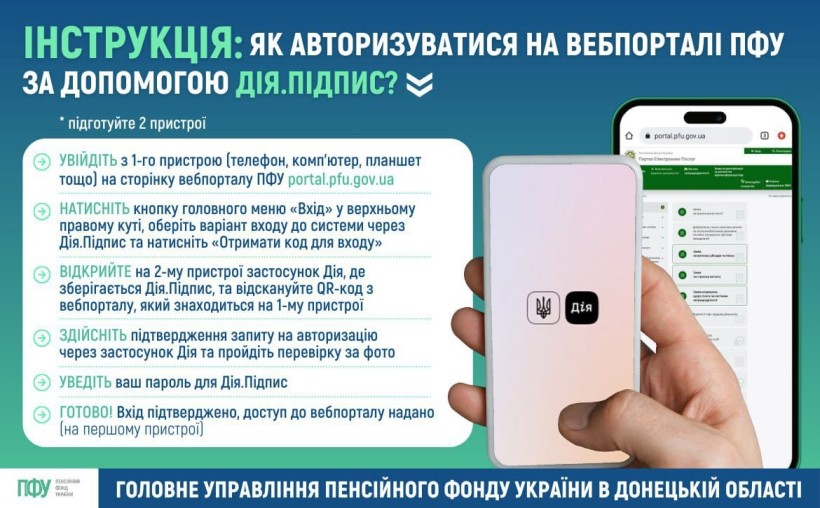
📲 To log in to the electronic services web portal of the Pension Fund of Ukraine using Diia.Signature, you’ll need two devices and follow these steps:
🔹 On the first device ⬇
✅ Go to the Pension Fund’s web portal 👉 https://portal.pfu.gov.ua/;
✅ Click the “Login” button in the top right corner of the main menu, select the login option via Diia.Signature, and click “Get login code”;
🔸 On the second device ⬇
✅ Open the Diia app where your Diia.Signature is stored and scan the QR code displayed on the web portal on the first device;
✅ Confirm the authorization request in the Diia app and complete the facial verification process;
✅ Enter your password for Diia.Signature.
🔵 Login confirmed — access to the web portal is granted (on the first device).
▶ A step-by-step video guide on how to log in to the Pension Fund web portal using Diia.Signature is available at: https://t1p.de/vxr1j.
💻 Access Pension Fund services from the comfort of your home!