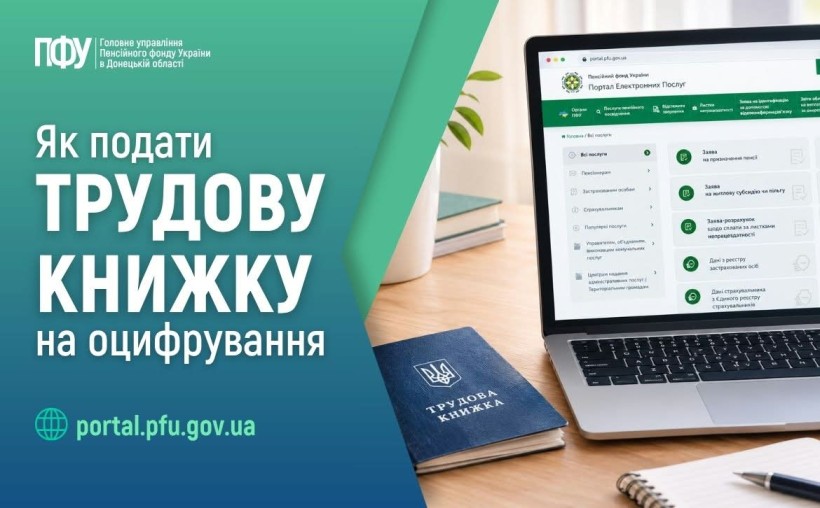
An electronic employment record book is a digital version of an employee’s employment history. It contains information about hiring, transfers, terminations, and other changes in employment.
You can submit the documents yourself online via the Pension Fund of Ukraine’s e-services web portal: https://portal.pfu.gov.ua/.
What do you need to prepare?
Before submitting the documents, you must make high-quality scanned copies of your employment record book.
The scanned copies must:
🔹 be made from the original document;
🔹 be in color, clear, and legible;
🔹 include all pages of the employment record book that contain entries regarding employment history;
🔹 be submitted in chronological order;
🔹 include all necessary document details: entries, signatures, stamps, etc.;
🔹 be in JPG/JPEG or PDF format;
🔹 be no larger than 1 MB per file;
🔹 the recommended scan resolution is 300 dpi.
How to Submit Scanned Copies of Your Employment Record Book Online
1. Go to the PFU web portal at portal.pfu.gov.ua, log in using a qualified electronic signature (QES), and click the “Log In” button.
2. In the left-hand side menu of your personal account, select “Communications with the PFU” → “Employment History.”
3. Review the information listed on the form. If the required fields were not filled in automatically, enter the information yourself. You must also consent to the transfer and processing of your personal data.
4. Click “Add File” and upload the prepared scanned copies.
If necessary, along with your employment record book, you can submit scanned copies of other documents confirming specific periods of insurance coverage, such as a military ID, educational records, and other documents verifying your work history.
5. After uploading all the necessary files, click “Sign and Send to the PFU.”
Sign the electronic application and send it to the Pension Fund of Ukraine.
6. You can view the processing status of the submitted documents in your personal account under the “My Applications” section.
Important: If your employment record book has not been digitized by June 10, 2026, you may still submit scanned documents after that date. The Pension Fund continues to accept and process such documents.