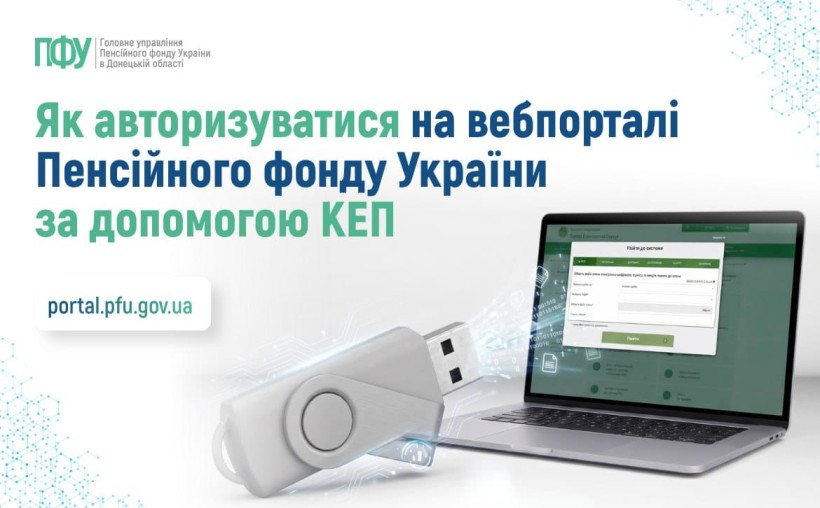
To log in to the web portal of electronic services of the Pension Fund of Ukraine (PFU) using a Qualified Electronic Signature (QES / КЕП), follow these steps:
1. Go to the PFU e-services portal homepage: https://portal.pfu.gov.ua/.
2. Select the login option "By QES" ("За КЕП").
3. Select the Accredited Center for Certificate Certification (ACSC / АЦСК) where your signature key was issued.
4. Upload your key file and enter your password.
5. Click "Log In" ("Увійти").
Available Personal Account Features Upon QES Authorization:
Insurance & Earnings: Review salary data and total insurance record; download official electronic certificates (OK-5 and OK-7 forms).
Pension Data: View details of your electronic pension file and pension amount certificates.
Employment Records: Check information recorded in your digital employment record book (*електронна трудова книжка*).
Requests & History: Submit requests for physical paper documents and track the history of your inquiries to the PFU.
Learn more about QES and key issuance: https://t1p.de/lm9x4.
Watch the official video walkthrough: https://t1p.de/evhca.