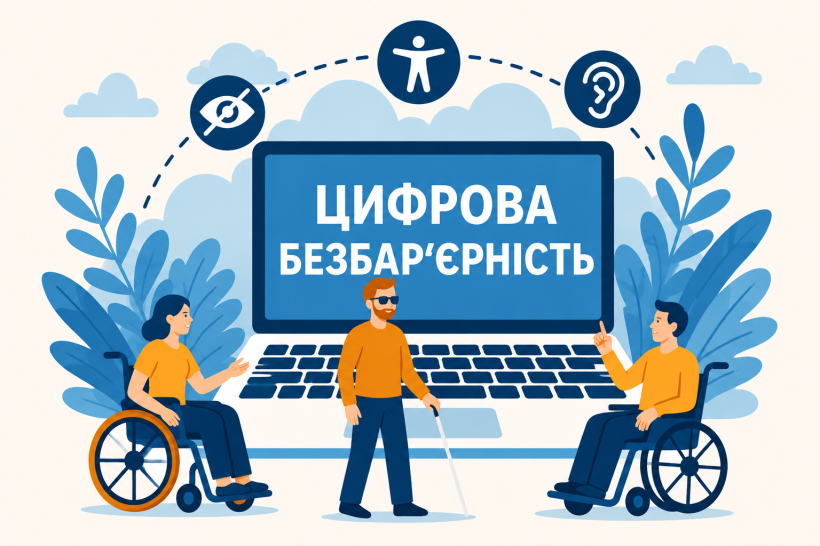
As part of the Ministry of Social Policy’s nationwide initiative to ensure digital accessibility, we invite you to review informational materials about available free screen-access technologies (screen readers).
These technologies enable people with visual impairments or dyslexia to fully and freely use computers, study, work, and independently access government services and online services.
Below, you can view a list of available solutions and download detailed step-by-step instructions.
- NVDA (Non-Visual Desktop Access)
Operating system: Windows (for personal computers and laptops)
Description and features:
The world’s leading free and open-source software. It features a fully official Ukrainian localization of the interface, supports hotkeys, office suites, browsers, and integration with modern Ukrainian-language text-to-speech synthesizers.
- TalkBack (part of the Android Accessibility Suite)
Operating system: Android (smartphones, tablets, smartwatches)
Description and features:
A built-in, native accessibility service provided free of charge. Provides full voice output of on-screen content in Ukrainian, supports control via special gestures, touch input, and audio feedback for user actions.
- VoiceOver
Operating system: iOS, iPadOS, macOS, watchOS (Apple device ecosystem)
Description and features:
Native, free screen-accessibility technology, fully integrated into Apple’s operating systems. It provides high-quality, accurate speech synthesis, clear reproduction of Ukrainian speech, descriptions of interface elements, and navigation for people with visual impairments.
Please note: NVDA is completely free, requires no license keys or paid subscriptions, supports Braille, and features a special “Screen Curtain” mode to protect your personal data when working in public places.
For additional information on information accessibility software, visit the official website of the Ministry of Social Policy in the “Accessibility” section at the following link: msp.gov.ua/about/klyuchovi-napryamy/bezbaryernist